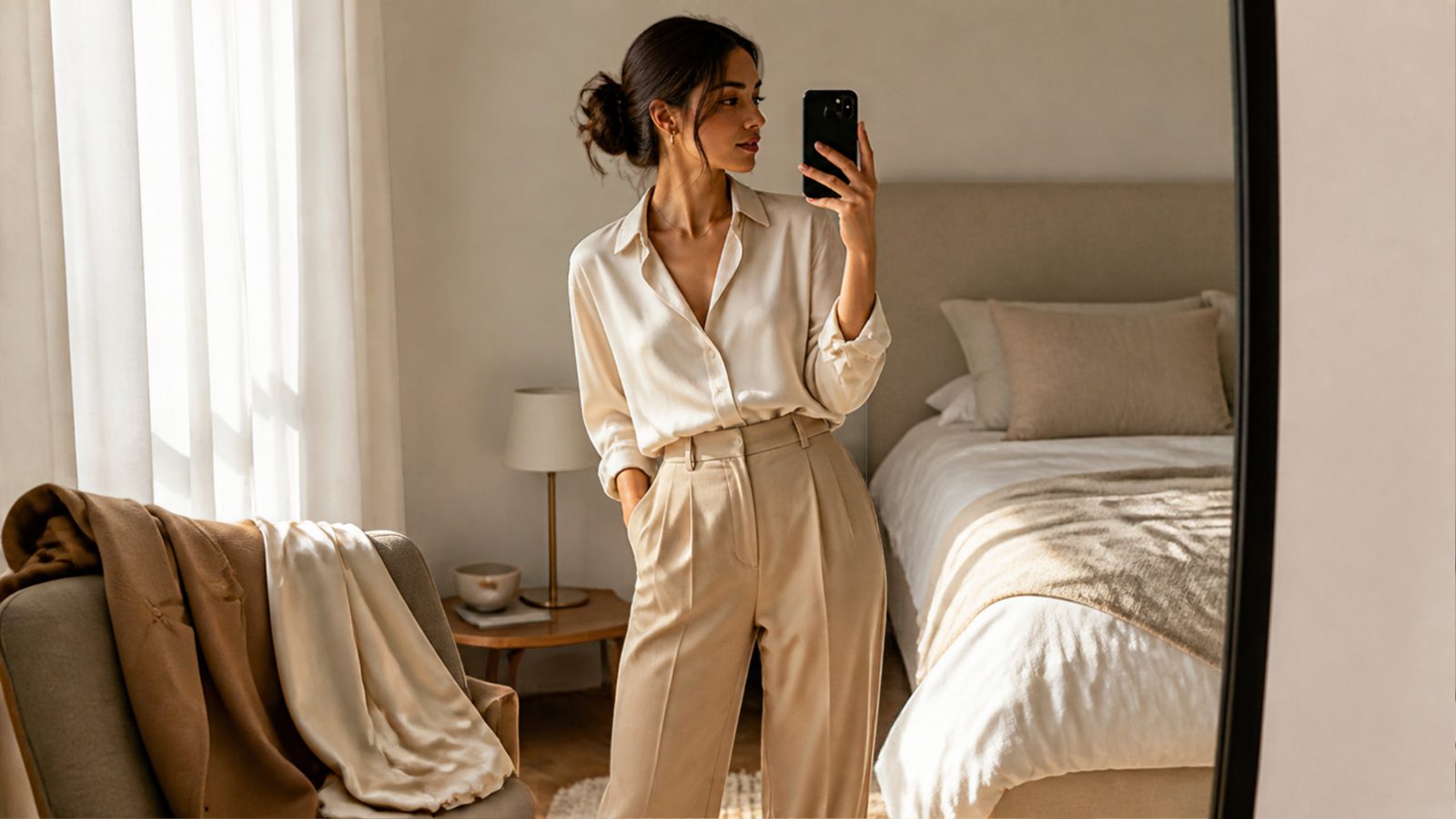
ChatGPT now has a “Try On” button. Upload a selfie or a full-body photo, and the chatbot will show you wearing a jacket, a dress or a pair of sunglasses from its shopping results. OpenAI rolled the feature out globally in early October, along with a Favorites library for saving products. It’s the clearest sign yet that AI style analysis is moving out of niche styling apps and into a general-purpose assistant that many shoppers already use for everything else. That makes it worth being clear about what a picture of you in a new outfit can tell you, and what it can’t.
What OpenAI Actually Launched
According to TechCrunch’s report, the update adds two things to ChatGPT’s shopping experience:
- Try On: A button now appears in shopping results. You supply a photo of yourself, and ChatGPT generates an image of you wearing the clothing item or accessory. You can also upload your own picture of an item, such as a screenshot from a store’s website, and ask ChatGPT to put it on you.
- Favorites: Products you find can be saved to a Library in the app, stored alongside the try-on images you’ve made.
Both run on ChatGPT Images 2.5, OpenAI’s newest image model. OpenAI says it delivers more natural lighting, richer textures, more reliable instruction-following when editing, and faster generation. The new features build on shopping tools ChatGPT already had: you can describe a style and ask it to find the pieces that complete the look, or upload a photo of a celebrity’s outfit and ask for buyable matches.
TechCrunch also notes the context. OpenAI previously moved away from an instant-checkout feature that didn’t perform well, and Google launched its own virtual try-on in July 2025. Whether people will start their fashion shopping in ChatGPT is still an open question.
Why This Matters for AI Style Analysis
Until now, most AI style analysis came from dedicated tools: color-season apps, body-shape scanners, and try-on widgets built into individual retailers’ sites. We’ve covered several, from PointAI’s one-second try-on to DRESSX’s conversion data. ChatGPT changes the scale. A general assistant that can read your style from a photo, find matching products and show them on you puts every step of the process in one chat window.
The catch is that a generated image is a picture, not a measurement. Try On produces a convincing image of you in a garment. TechCrunch’s report says nothing about sizing, fabric drape or fit data, and a model praised for “richer textures” is optimized to look right, which is not the same as being right about how a size M will sit on your shoulders.
Recent testing points the same way. In September we covered a skin-tone benchmark in which no general-purpose model classified skin tone correctly more than about half the time. On October 27, skin-analysis company Haut.AI published SkinBench, which compared six general and medical AI models, including Gemini 3.5 Flash, GPT-5.6 Sol and Claude Fable 5, against expert assessments. The models frequently reported skin concerns that weren’t there; eye puffiness, for example, was flagged in roughly 95% to 100% of images where it was absent. Haut.AI sells its own competing skin AI and ran the test itself, so treat the rankings with caution. The broader pattern still matters for anyone using a chatbot for style advice: a model that can describe a photo fluently is not necessarily measuring what’s in it.
How to Use AI Try-On Without Getting Burned
- Use it for direction, not decisions. Try-on is good at answering “does this color or silhouette suit my overall look?” It isn’t built to answer “will this fit?” Check the retailer’s size chart and measurements before you buy.
- Give it a good photo. Even, natural light and a straight-on, full-body shot give any image model less to guess about. Heavy filters and mixed lighting change how your skin tone and proportions come across.
- Cross-check color advice. If ChatGPT tells you a shade “works with your undertone,” try the color against your face in daylight or in a mirror. Recent benchmarks suggest general models still misread skin.
- Think before you upload. Try-on needs a photo of you, and the images are saved in your Library next to your saved products. Decide which photos you’re comfortable sharing, and review ChatGPT’s privacy settings before you start.
FAQ
How does ChatGPT’s virtual try-on work?
Upload a selfie or full-body photo, then tap the Try On button on a clothing or accessory result in ChatGPT’s shopping results. ChatGPT generates an image of you wearing the item. You can also upload a screenshot of an item from another site and ask it to try that on you.
Can ChatGPT’s Try On tell me what size to buy?
Not based on what OpenAI has described. TechCrunch’s report covers image generation and saving products, not sizing or fit measurements. Use the retailer’s size guide for fit.
Is AI style analysis accurate?
It depends on the task. Recent benchmarks found general-purpose AI models often misread skin tone and report skin features that aren’t there, while specialized tools score better on narrow tasks. Use AI style analysis as a starting point and confirm important choices in person.
Sources & Further Reading: TechCrunch — “ChatGPT can now virtually try on clothes for you” (Sarah Perez, October 1, 2026), https://techcrunch.com/2026/10/01/chatgpt-can-now-virtually-try-on-clothes-for-you/ · Cosmetics Business (promoted content from Haut.AI) — “SkinBench: six AI models saw skin problems that were not there” (October 27, 2026), https://www.cosmeticsbusiness.com/skinbench-six-ai-models-saw-skin-problems-that
By Michelle Jones, Fashion News GF